| On This Page 1. What a Restaurant Partner App Actually Is 2. Menu Management: The Feature That Drives Adoption 3. Order Acceptance: The 60-Second Flow That Decides Revenue 4. Performance Analytics: Turning Orders Into Decisions 5. The Tech Stack and Architecture Behind a Merchant App (2026) 6. Cost, Timeline, and How to Build It 7. Real Case Study: A Field-Ready Operations App 8. Best Practices and Common Mistakes 9. FAQs (Short Answers) |
Summary
Building a food delivery app that restaurants actually use? Our hire React Native developers help create fast, reliable merchant apps that handle real-time orders, dashboards, and analytics. A successful delivery platform depends on more than the customer app; the restaurant side must be simple, fast, and trustworthy during peak hours.
Whether you searched for what a restaurant partner app is, how the Zomato merchant app works, or what features a restaurant app needs, the honest answer starts with three jobs done flawlessly: manage the menu, accept the order, and read the numbers. Independent market data from Statista shows online food delivery still growing, which means the merchant experience is now a competitive battleground, not a checkbox.
This article is written for that reality, with human judgement on top of real delivery work rather than generic, scraped advice. We will define the restaurant partner app, go deep on menu management, order acceptance, and performance analytics, then cover the stack, the cost, and a real client build so you can weigh the advice against shipped work. It sits inside our wider on-demand app development guide.
What a Restaurant Partner App Actually Is
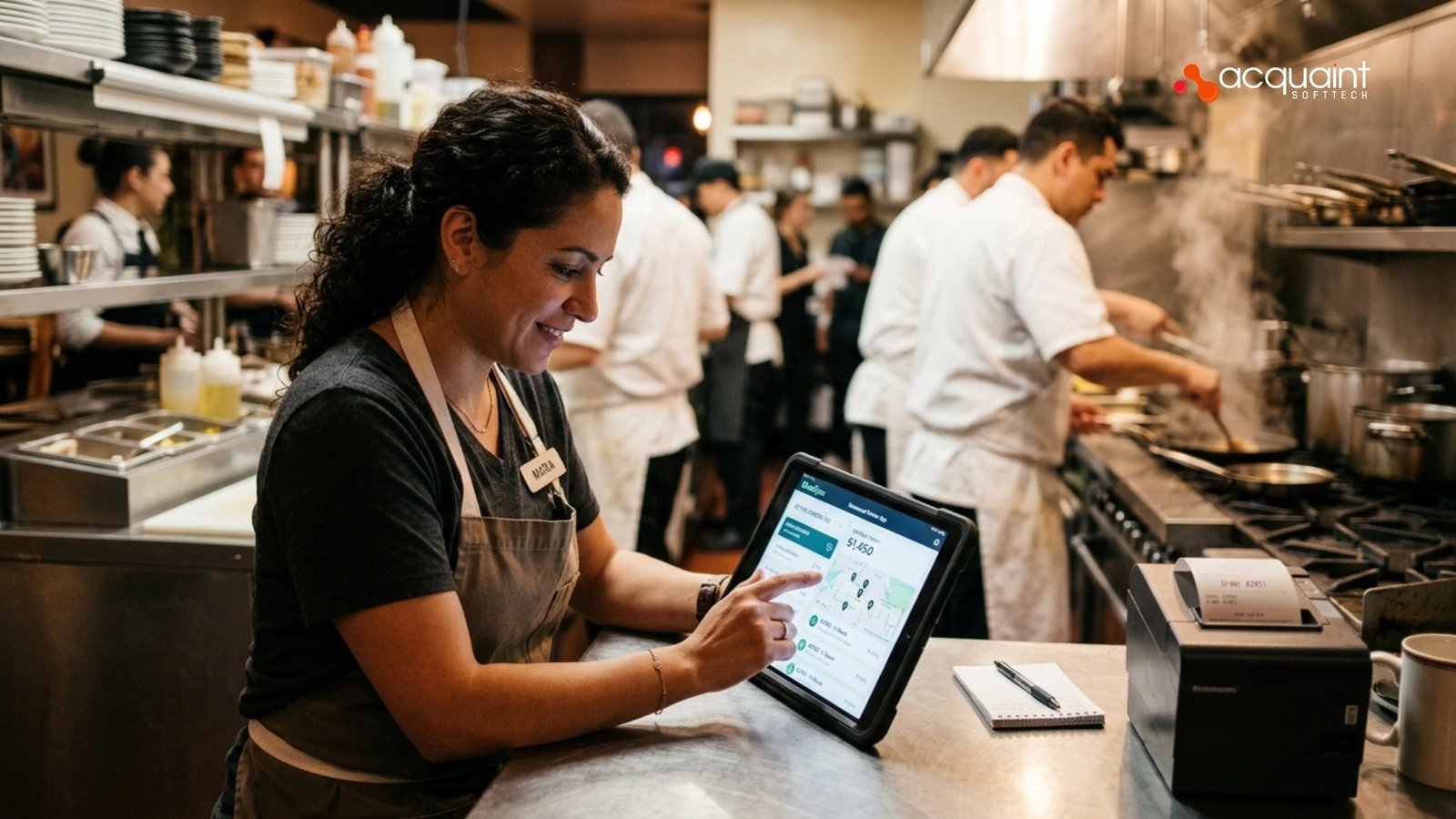
A restaurant partner app is the merchant-facing application a restaurant uses to run its delivery business: receiving orders, updating the menu, marking food ready, and tracking sales. It is one of three or four apps in a food delivery platform, sitting alongside the customer app, the driver app, and the admin panel, and it is the one operators touch most.
The Zomato merchant app and DoorDash Tablet are famous examples, but the same shape applies to any branded or white-label build. Teams that get this right usually treat it as a serious product, which is why they bring in software development outsourcing partners rather than bolting it on at the end.
Where it fits in the platform
The merchant app is the bridge between a customer’s tap and a kitchen’s action. When an order is placed, it must arrive instantly, with a loud, unmissable alert, and flow cleanly through accept, prepare, and ready states back to the customer and driver.
That real-time loop is the heart of the product, and it is the same coordination challenge we describe in our on-demand delivery app development walkthrough. Get the loop wrong, and every other feature is just noise.
There is also a strategic reason restaurants want a strong partner app: control. Aggregators charge heavy commissions, so chains increasingly build their own branded ordering and merchant apps to own the customer relationship and the data behind it.
Deciding whether you are building one restaurant’s app or a multi-tenant platform changes everything downstream, which is why we start with a discovery workshop. The answer to almost every later question depends on this one.
Menu Management: The Feature That Drives Adoption
Menu management is the feature restaurants use every single day, so it decides whether they adopt your app or quietly stop logging in. A strong menu module lets staff add and edit items, set prices, group items into categories, attach photos, and handle modifiers like sizes, add-ons, and combos without calling support.
Most importantly, it lets them toggle an item out of stock in one tap, the kitchen equivalent of 86-ing a dish, so customers never order what cannot be made. Building that flexibility cleanly is core product work, which is why it belongs in our software product development scope rather than a quick template.
What a great menu module includes
- Categories and items: organised sections with descriptions, prices, and high-quality photos.
- Modifiers and combos: sizes, add-ons, and meal deals with their own pricing rules.
- Live availability: one-tap toggles to mark items or whole categories unavailable instantly.
- Scheduling and hours: breakfast, lunch, and dinner menus that switch on time.
- Multi-location control: manage one menu across many outlets, with per-branch overrides.
The hard part is synchronisation. A menu edit must reach the customer app in seconds, or a diner orders a sold-out dish and the restaurant eats a refund and a bad review. This is the same data-consistency discipline we apply across verticals, including the booking and catalogue work in our on-demand home services app guide. Real-time sync is not a nice-to-have here; it is the feature.
Menus also carry surprising backend complexity once tax rules, currencies, and promotions enter the picture. A combo that discounts two items, applies regional tax, and respects a loyalty offer is real logic, not a spreadsheet. That backend depth is why teams often hire Laravel developers to keep pricing rules correct and auditable. Get the data model right early, and the menu stays manageable as the business grows.
Order Acceptance: The 60-Second Flow That Decides Revenue
Order acceptance is the most important flow in the entire app, because a missed or slow order is lost revenue and a frustrated customer at the same moment. The flow is simple on the surface: an order arrives with a loud alert, the restaurant accepts or rejects it within a countdown, sets a prep time, and the status moves through preparing, ready, and picked up.
Underneath, it has to be bulletproof during the dinner rush when ten orders land in two minutes. Building that reliability under load is exactly what our dedicated development teams focus on for live operational apps.
How restaurants accept orders, step by step
1. A new order triggers an unmissable sound and on-screen alert.
2. Staff accept or reject within a visible countdown timer.
3. On accept, they confirm or adjust the estimated prep time.
4. The order prints or appears on the kitchen display, and status updates begin.
5. Status moves to ready, then to picked up, syncing the driver and customer.
Payments and refunds ride alongside this flow and must never break. When a restaurant rejects an order or a customer cancels, the money has to move correctly and instantly, which depends on a solid payment integration of the kind we compare in Stripe vs Razorpay vs Adyen. A payment that hangs at peak time turns one problem into three.
Reliability here is an infrastructure question more than a UI one. The alert must fire even on weak restaurant wifi, the connection must recover gracefully, and the system must absorb a sudden surge without dropping a single order. That is why strong DevOps engineers matter as much as designers on this feature. An order that never rings is the most expensive bug in food delivery.
Performance Analytics: Turning Orders Into Decisions
Performance analytics is what turns a restaurant app from an order taker into a business tool, and it is often the feature that keeps operators loyal to your platform. The dashboard should answer the questions an owner actually asks: how much did we sell, when are we busiest, which items sell and which do not, how fast do we accept and prepare, and how often do we cancel.
Done well, it nudges better decisions, like staffing the real peak hour or dropping a dish nobody orders. Building dashboards that are genuinely useful rather than decorative is where our AI development services add demand forecasting and smart alerts on top of raw charts.
The metrics that matter
- Sales and order volume: by day, week, hour, and location, with clear trends.
- Acceptance and prep time: how fast orders are taken and food is ready.
- Cancellations and rejections: rate and reasons, so problems are visible early.
- Menu performance: best and worst sellers, and the impact of promotions.
- Ratings and payouts: customer feedback and a transparent record of earnings.
The analytics are only as good as the data pipeline behind them. Capturing every event cleanly, storing it well, and querying it fast is real engineering, and it is the same discipline behind the data-heavy platforms in our Laravel project case studies. Vanity charts are easy; trustworthy numbers are not.
This is also where modern platforms pull ahead. Predicting the next hour’s demand, flagging an unusual cancellation spike, or recommending a prep-time change all turn raw history into action. Teams building that layer often hire Python developers for the data and modelling work. Numbers that tell a restaurant what to do next are the analytics worth paying for.
The Tech Stack and Architecture Behind a Merchant App (2026)
A 2026 restaurant partner app pairs a cross-platform mobile front end with a real-time backend, reliable push notifications, and a database built for events. React Native or Flutter run on the tablets and phones restaurants already own; a Node.js or Laravel backend handles orders, menus, and payouts; and order alerts ride over WebSockets plus a push service so they fire instantly.
Many teams build on a unified JavaScript foundation, so founders hire MERN stack developers who can own the customer, merchant, and admin apps together.
| Layer | Recommended Tech | Role |
| Merchant app | React Native / Flutter | Menu, orders, analytics UI |
| Backend | Node.js / Laravel | Orders, menu, payouts logic |
| Real-time + alerts | WebSockets, push (FCM) | Instant order notifications |
| Data + cloud | PostgreSQL, Redis, AWS | Analytics, speed, uptime |
Why architecture beats any framework
The architecture matters more than any single library you pick. A merchant app is an event-driven, real-time system that must stay in sync with the customer app, the driver app, and the admin panel at all times, even under a rush. The backend choice between a PHP and a JavaScript stack is a genuine trade-off, which we weigh in Laravel vs MERN stack. Pick for your team and your scale, not for whatever is trending this quarter.
Integrations are the other half of the build. Payments, maps, SMS, and especially restaurant POS systems all connect here, each with its own quirks, costs, and failure modes that must be handled gracefully. Owning those integrations across multiple apps is why teams hire MEAN stack developers who can keep one consistent codebase. A clean architecture today is what keeps the platform cheap to change tomorrow.
Cost, Timeline, and How to Build It
A standalone restaurant partner app, the merchant side alone, typically starts in the mid-five figures, while a full food delivery platform with customer, merchant, driver, and admin apps runs well into six figures.
Timelines follow the same curve: a focused merchant app takes a few months, a full platform considerably longer. Teams keep both under control by hiring remote developers on a flexible model instead of carrying a fixed local payroll before revenue exists.
| Build | Typical Cost | Timeline |
| Merchant app (standalone) | From ~$25,000 | 2 to 4 months |
| Merchant + customer apps | $60,000+ | 4 to 7 months |
| Full delivery platform | $120,000+ | 7 months and up |
Where geography changes the maths
Geography is the biggest single lever on what you spend. India-based teams deliver the same quality at up to 40% lower cost than Western agencies, the saving documented in our story on how a startup saved $60K a year on remote hiring. For a food platform, that gap often funds the second or third app that makes the product whole. Cheaper hours buy a more complete launch.
Cost is also a function of the decisions made before any code is written. A wrong architecture or a bloated MVP can cost more to unwind than the original build, so senior guidance early pays for itself. A virtual CTO can set the scope, the stack, and the hiring plan before money is committed. Spend on judgement first, code second, and the rest gets cheaper.
Read Also: What Makes Cosmetic Surgery Prices More Affordable Without Lowering Quality?
Real Case Study: A Field-Ready Operations App
The closest proof of how we build a fast, alert-driven, analytics-rich merchant app is the field operations app we built for UptimeAI, a USA-based industrial software company, documented in our AI operations mobile app case study.
Although the industry is industrial plants rather than restaurants, the product shape is exactly what a restaurant partner app needs: real-time alerts, action-first screens, analytics dashboards, secure integration, and offline reliability. The team invested 1,200+ hours building precisely the kind of operational app that has to work under pressure.
- 24/7: Real-time system monitoring and support.
- 99.9%: Reliable data synchronization and uptime.
- 100%: Enterprise-grade security and compliance.
Why it maps onto a restaurant app
Every challenge UptimeAI brought us reappears in a busy kitchen. The app had to surface the most urgent alert first so operators could act before analysing details, exactly like a restaurant accepting an order before reading the full ticket.
It had to sync in real time with the core platform, stay readable in noisy, fast-paced conditions, and keep working when connectivity dropped, the same demands a restaurant tablet faces at 8 pm. These are the disciplines verified clients consistently praise, summarised in our Clutch recognition overview, and you can browse more delivered work on our case studies page.
The lesson for any food platform is direct: a merchant app is an operational tool, and operational tools must be fast, reliable, and built around how people actually work under pressure. A live restaurant app also needs steady support and maintenance to stay quick and dependable after launch, because the dinner rush never takes a night off. Build for the worst hour, not the demo.
Best Practices and Common Mistakes
Most restaurant apps fail for practical reasons that have nothing to do with how the app looks in a pitch deck. The biggest mistake is treating the merchant side as secondary, shipping a slow, noisy, confusing tablet that staff abandons, which quietly kills the whole platform. Avoiding that needs discipline and someone protecting the scope, which is why a strong project manager is worth more than any single feature on a busy build.
Get these right, avoid these traps
- Do: make the order alert impossible to miss, even across the kitchen.
- Do: design for one-handed, two-tap use during a rush.
- Do: sync menus and stock in real time to prevent refunds.
- Avoid: a cheap clone that cannot scale or integrate a POS.
- Avoid: analytics no one reads instead of numbers that prompt action.
Choosing the right build partner is the meta-decision behind all of these. An experienced team designs for the rush, tests under load, and integrates payments and POS cleanly; the difference our roundup of the best software product engineering companies explains in depth. A reliable app beats a flashy one every service.
There is also a faster route that is not a throwaway script. A properly engineered white label solution that you own and customise can give speed without the template trap, when built by a team that understands food operations. The right route depends on your timeline, budget, and ambition, which is the conversation worth having before a line of code is written.
FAQs
What is a restaurant partner app?
A restaurant partner app helps restaurants receive orders, manage menus, update order status, and track sales on a food delivery platform. It acts as the restaurant’s control panel for daily operations. Popular examples include merchant apps used by major food delivery companies.
What features does a restaurant app need?
A restaurant app needs menu management, order acceptance, real-time order tracking, payments, analytics, and multi-location support. Real-time synchronization is essential for smooth operations. These features help restaurants manage orders efficiently.
How does the Zomato merchant app work?
The merchant app notifies restaurants of new orders and allows staff to accept or reject them. Restaurants can update preparation status, manage menus, and track sales in real time. This ensures smooth coordination between customers, restaurants, and delivery partners.
How do restaurants accept orders in food apps?
Restaurants receive instant order alerts and must accept or reject them within a set time. After acceptance, staff update preparation and pickup status. The order then moves through preparing, ready, and delivered stages.
How long does it take to build a restaurant partner app?
A basic restaurant partner app usually takes 2–4 months to develop. A full food delivery platform with customer, driver, and admin apps can take 7 months or longer. The timeline depends on features, integrations, and scalability requirements.
Custom restaurant app or ready-made clone: which is better?
A ready-made clone is suitable for testing ideas and launching quickly. A custom app provides full ownership, better scalability, and easier integrations. Most growing businesses prefer custom development for long-term flexibility.
What tech stack is best for a restaurant partner app?
React Native or Flutter are popular choices for app development. Node.js or Laravel power the backend, while PostgreSQL and Redis handle data and performance. WebSockets and push notifications enable real-time order updates.
How much does a restaurant app cost to build?
| US Cost | UK Cost | Europe Cost |
| $25,000–$120,000+ | £20,000–£95,000+ | €23,000–€110,000+ |